
How to Make a Link in Bio Page That Converts
Learn how to make a link in bio page with simple steps, smart design, SEO, and monetization tips for creators and businesses in South Africa.
By LinkLume
How to Make a Link in Bio Page That Converts
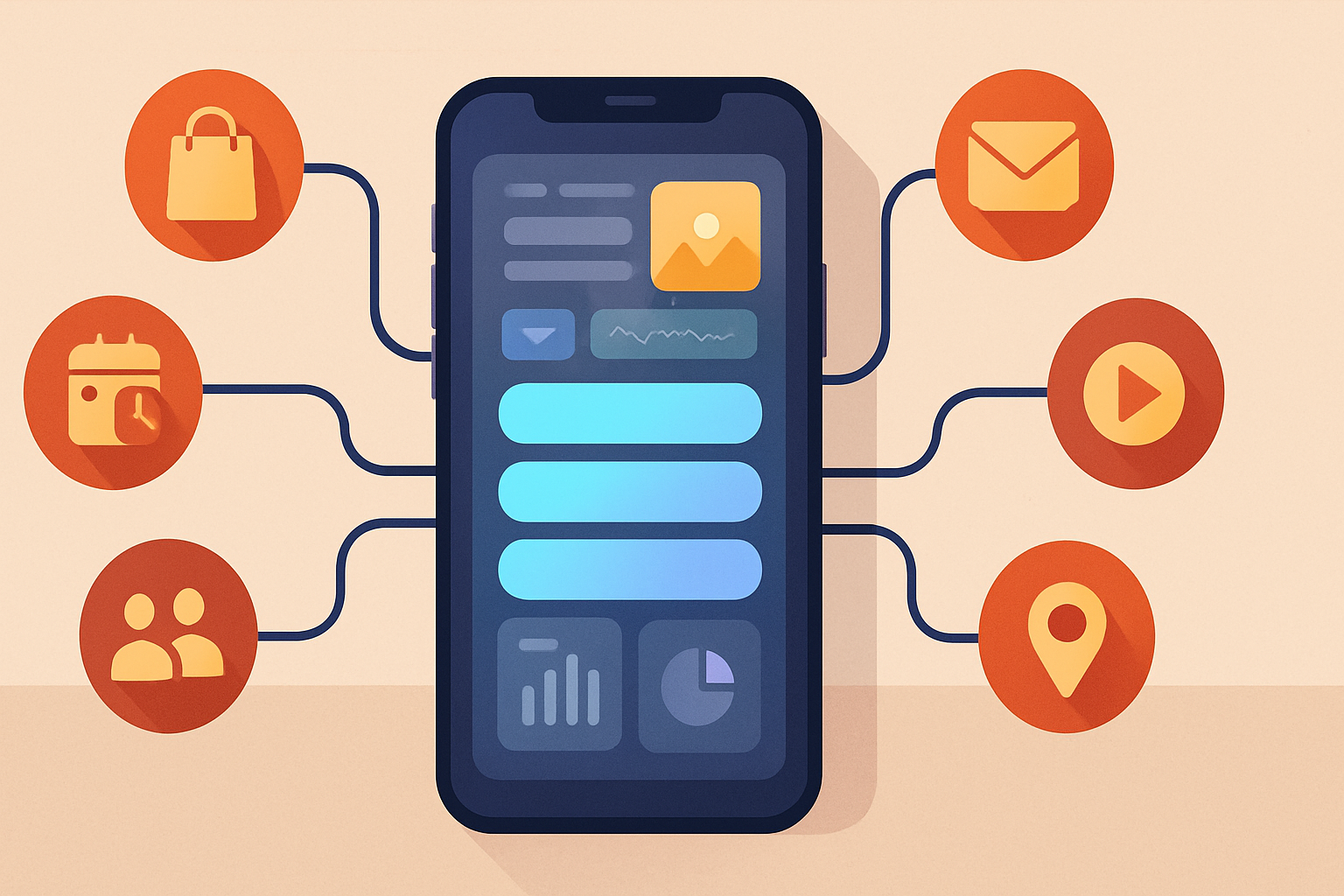
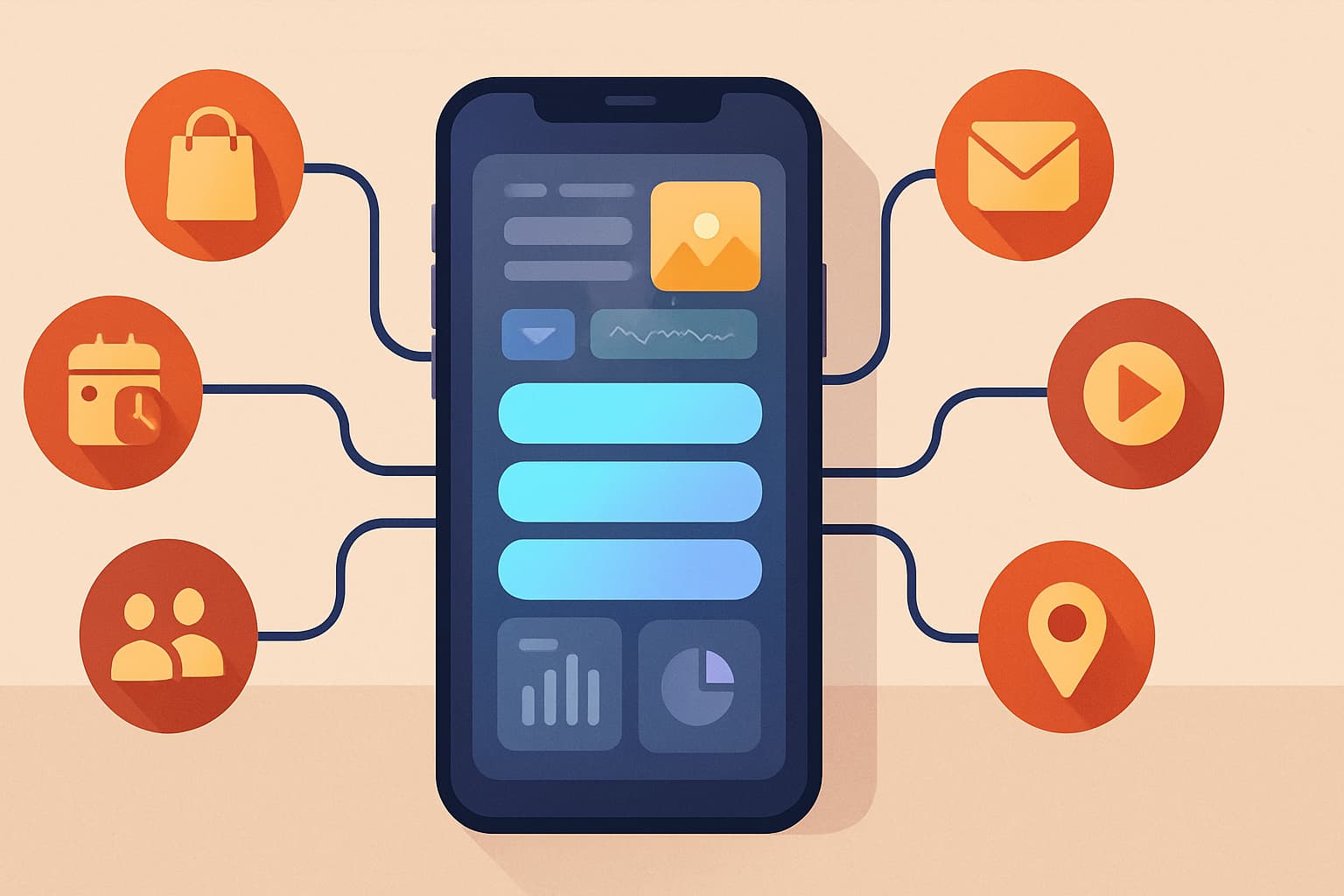
A link-in-bio page is one of the simplest ways to centralize your online presence. Instead of sending followers to one lonely link, you can guide them to your website, shop, booking page, newsletter, videos, and social profiles from a single mobile-friendly page.
If you are a creator, influencer, solopreneur, small business, or growing brand in South Africa, learning how to make a link in bio page can help you present a more professional online presence and make it easier to turn attention into action. In this guide, you will learn how to build one step by step, what to include, and how to improve it over time.
Step 1: Choose the right link-in-bio tool
The first step in how to make a link in bio page is choosing a platform that fits your goals. A good tool should make setup easy while still giving you room to grow.
Look for features like:
- Customizable themes and layouts
- Rich content blocks such as images, grids, carousels, and video embeds
- Real-time analytics and performance tracking
- SEO optimization
- Monetization options
- Support for multiple profiles if you manage more than one brand
For creators and businesses in South Africa, it also helps to choose a tool that supports local workflows and audience needs. If you are comparing options, the LinkLume - Link in Bio Tool for Creators is designed to help you centralize links, brand your page, and track what your audience clicks.
What to avoid when choosing a tool
A common mistake is picking the first free tool you see without checking whether it supports your long-term needs. Some free plans are fine for testing, but they can limit branding, content blocks, analytics, or monetization.
Another mistake is choosing a platform that is difficult to update. Your link-in-bio page should be easy to edit whenever you launch a campaign, add a product, or refresh your offer.
Step 2: Set up your profile and core details
Once you have chosen your tool, create your account and complete the basic profile setup. Most platforms let you sign up quickly with an email address or social account, then guide you to a dashboard where you can start building.
Your core details should include:
- Profile picture or logo
- Display name
- Short bio
- Primary location or audience focus, if relevant
- Main call to action
Keep your bio short and clear. Visitors should instantly understand who you are and what they can do on your page.
For example:
- Creator: “Sharing styling tips, product finds, and behind-the-scenes content.”
- Small business: “Shop our latest drops, book a service, or contact our team.”
- Solopreneur: “Helping South African brands build stronger online visibility.”
If you want a helpful starting point, you can also explore the LinkLume - Link in Bio Tool for Creators while planning your page structure and profile information.
Common profile setup mistakes
- Writing a bio that is too vague
- Using a low-quality profile image
- Forgetting to match the page with your brand name and tone
- Leaving the page without a clear next step
Step 3: Customize the look and feel
Design matters because your link-in-bio page often acts like a mini-website. It should feel consistent with your brand across Instagram, TikTok, Facebook, YouTube, or your website.
Start with the basics:
- Choose a theme or layout
- Pick brand colors
- Select readable fonts
- Add a background image if it supports your brand
- Keep spacing clean and mobile-friendly
The best pages are easy to scan. A visitor should be able to understand your page in a few seconds and tap the right link without confusion.
If your audience includes South African customers, think about clarity and accessibility first. A polished design is useful, but a simple, responsive layout often performs better than one that is overly busy.
Design tips that improve engagement
- Use one strong primary button for your most important action
- Keep contrast high so text is easy to read
- Limit distractions above the fold
- Make sure your most important links appear near the top
Step 4: Add and organize your most important links
Now it is time to add the links your audience needs most. This is the heart of how to make a link in bio page that actually works.
Start with your highest-priority destinations:
- Shop page or product collection
- Booking or inquiry form
- Newsletter signup
- Latest content or blog post
- WhatsApp contact or email
- Social profile links
Do not overload the page. Too many choices can reduce clicks because people hesitate when faced with clutter.
A simple priority structure works well:
- Top conversion link: your most important goal
- Supporting links: recent content, offers, or services
- Social and contact links: for deeper engagement
If you run a business, think about what you want the visitor to do first. If you are a creator, think about whether your page should drive followers to a course, a shop, a YouTube video, or a newsletter.
A smart link order example
- Buy now
- Book a consultation
- Join the newsletter
- Watch my latest video
- Visit my blog
- Follow me on Instagram
This kind of order helps your audience take action faster.
Step 5: Use rich content blocks to engage visitors
Modern link-in-bio pages are more than just a list of links. They can also include richer media that helps tell your story and keep people engaged.
Depending on your platform, you may be able to add:
- Images
- Grids
- Carousels
- Video embeds
- Featured products
- Music or media previews
These blocks can be especially useful for creators, artists, coaches, small shops, and service providers who want to show proof of work or highlight a campaign.
For example:
- A creator can showcase recent reels or media mentions
- A small business can display best-selling products
- A solopreneur can embed a testimonial video or webinar clip
- A brand can highlight a seasonal campaign or new launch
This is where tools like the LinkLume - Link in Bio Tool for Creators can support a more dynamic page experience by letting you combine links with visual content.
Common content block mistakes
- Adding too many media elements that slow the page down
- Using images that do not match your brand
- Placing important links too far below the fold
- Forgetting to make each block serve a clear purpose
Step 6: Add monetization features for growth
If your goal is to monetize your audience, your link-in-bio page should make it easy for people to buy, book, or support you.
Monetization ideas include:
- Direct product links
- Service booking links
- Affiliate links
- Donation or tip links
- Newsletter subscriptions tied to offers
- Event registration pages
For South African creators and businesses, it is important to consider local payment gateways and e-commerce platforms where possible. The fewer steps between interest and checkout, the better.
Think about friction. If someone taps through from social media, they are already interested. Make sure your page leads them to a simple, clear action.
Good monetization habits
- Feature one primary offer at a time
- Use clear button labels
- Explain what the visitor gets after clicking
- Keep checkout or sign-up steps as short as possible
Step 7: Optimize for SEO and track performance
A link-in-bio page should not just look good; it should also help people find and interact with your content more effectively.
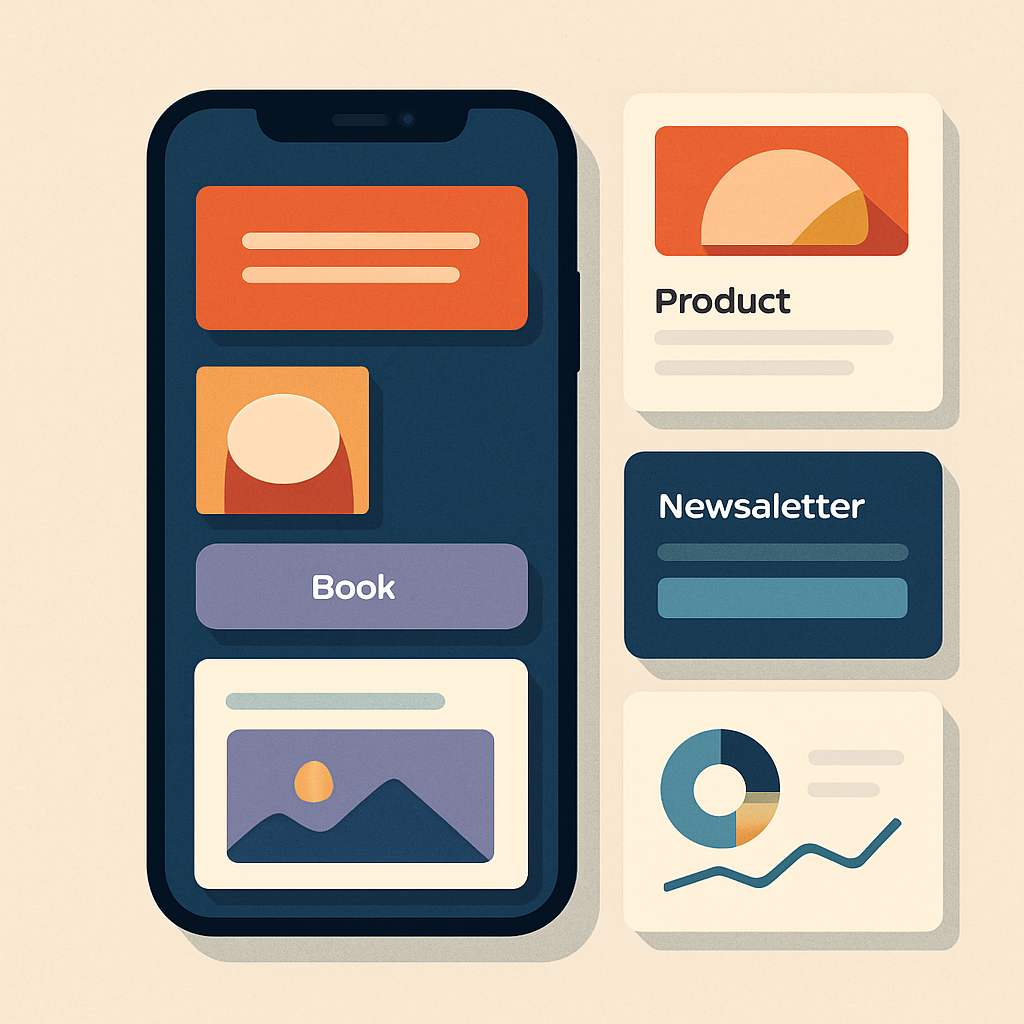
SEO optimization on a link-in-bio page can include:
- Using a clear page title
- Writing concise, keyword-relevant descriptions
- Naming link labels clearly
- Keeping headings readable
- Structuring content so search engines and visitors can understand it quickly
Analytics matter just as much. Real-time analytics and performance tracking help you learn which links get clicks, which content gets attention, and what your audience ignores.
Use those insights to make small improvements over time:
- Move the strongest link higher up
- Replace weak links with better offers
- Test new calls to action
- Refresh images or featured content
- Review performance after each campaign
This is one of the biggest advantages of using a modern tool instead of a static bio link.
Questions to ask when reviewing analytics
- Which link gets the most taps?
- Which content blocks keep visitors engaged?
- Do people click the top button or scroll for more?
- Are your campaigns driving the action you expected?
Step 8: Avoid common link-in-bio mistakes
Even a good page can underperform if it is not set up thoughtfully. Here are the most common mistakes to avoid.
1. Too many links
A crowded page makes it harder for visitors to decide what to do. Focus on the essentials.
2. Weak call to action
If your buttons are generic, people may not click. Use action-focused labels like “Shop the collection” or “Book a call.”
3. Inconsistent branding
Your bio page should feel like an extension of your social profile and website. Mismatched visuals can reduce trust.
4. No content updates
If your page still highlights an old campaign, visitors may lose interest. Review it regularly.
5. Ignoring analytics
Guessing is not a strategy. Use data to improve the page based on real audience behavior.
Step 9: Build a simple page structure that converts
If you want a practical blueprint, use this structure:
- Profile image and short bio
- Primary call to action
- 3 to 6 important links
- One or two rich content blocks
- Social or contact links
- Footer or brand note
This structure keeps the page focused while still giving visitors options.
For many creators and businesses, the best approach is to start simple and add more features later. That is often better than launching a crowded page that feels unfinished.
Step 10: Review and improve regularly
A link-in-bio page should evolve with your goals. Check it whenever you launch something new, update your offers, or run a campaign.
A monthly review can help you:
- Remove outdated links
- Update visuals
- Reorder links based on performance
- Improve messaging
- Test new monetization ideas
If you want a page that grows with your brand, a flexible platform like the LinkLume - Link in Bio Tool for Creators can help you make updates quickly without rebuilding from scratch.
Conclusion
Learning how to make a link in bio page is one of the easiest ways to bring order to your online presence. With the right tool, clear branding, smart link organization, and ongoing optimization, your page can become a powerful hub for traffic, engagement, and sales.
For creators, influencers, solopreneurs, small businesses, and brands in South Africa, the best results come from keeping the page simple, mobile-friendly, and aligned with your goals. Start with the essentials, track what works, and improve it over time.
Frequently Asked Questions
What is a link in bio page?
It is a landing page that collects your most important links in one place so visitors can quickly find your content, offers, and profiles.
How many links should I put on my link in bio page?
Start with your most important links and keep it focused. Three to six key links is usually enough for a clean, effective page.
Can I use a link in bio page to make money?
Yes. You can add product links, booking links, affiliate offers, donation options, or other direct monetization paths.
Do I need technical skills to create one?
No. Most link-in-bio tools are designed for quick setup and easy editing without coding.
How often should I update my page?
Review it regularly, especially after new launches, campaigns, or changes in your offers, so the page stays relevant and useful.
Ready to turn your social traffic into a stronger online presence? Start building your page with LinkLume and create a link in bio page that reflects your brand, supports your goals, and grows with your audience.